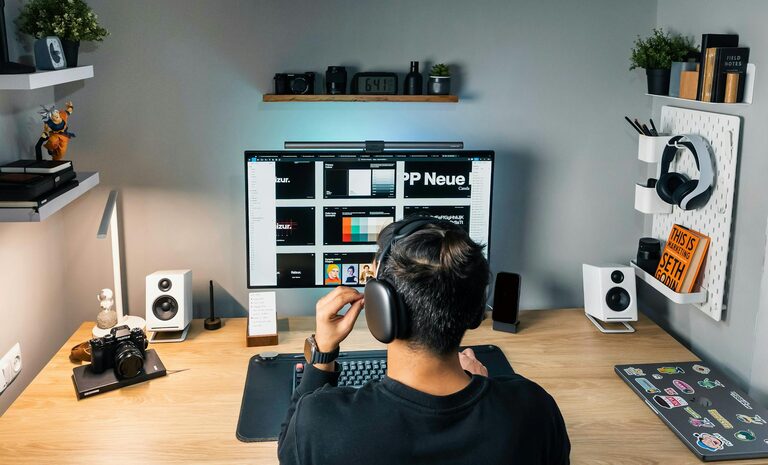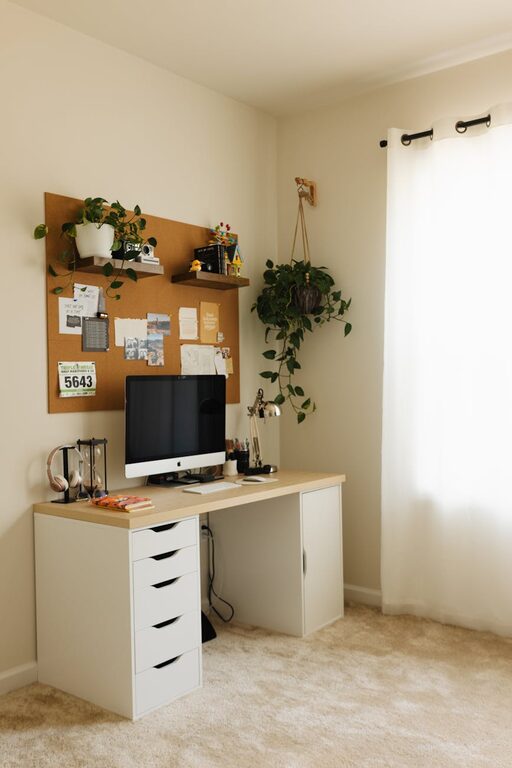
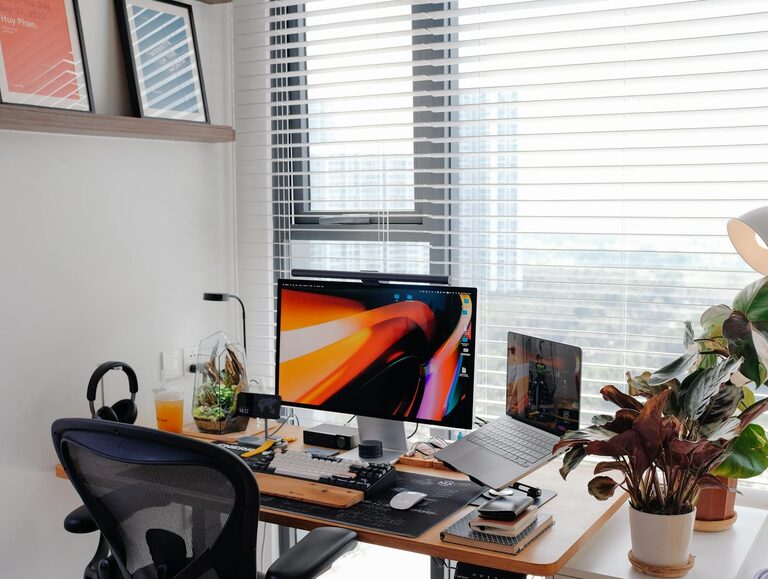
Creating a productive home workspace is essential for anyone who works remotely or spends significant time on tasks at home. A well-designed environment can improve focus, motivation, and overall work satisfaction. Whether you have a dedicated room or just a corner in your living space, these tips will help you set up an effective and comfortable workspace tailored to your needs.
Choose the Right Location
Selecting the best spot in your home for work is the first step. Ideally, you want a quiet area with minimal distractions and good natural light.
– Quiet and Private: Avoid noisy places such as the kitchen or living room where household activity might interrupt you.
– Natural Light: Sit near a window if possible; daylight supports alertness and uplifts mood.
– Space for Tools: Ensure there’s enough room for your computer, paperwork, and any other materials you use regularly.
Invest in Comfortable Furniture
Comfort matters to maintain productivity through long work sessions.
– Ergonomic Chair: A supportive chair with adjustable height and backrest will reduce strain on your back and neck.
– Desk Height: Your desk should allow you to work with your arms at a 90-degree angle, helping prevent fatigue.
– Foot Support: If your feet don’t comfortably reach the floor, consider a footrest for better posture.
Keep Your Workspace Organised
A tidy desk helps keep your mind clear and reduces time lost searching for things.
– Declutter Regularly: Remove unnecessary items and keep only essential tools on your desk.
– Storage Solutions: Use shelves, drawers, or organisers to keep documents and supplies handy but out of sight.
– Digital Organisation: Maintain a clear desktop on your computer and organise files into folders.
Set Up Proper Lighting
Good lighting is key to reducing eye strain and staying alert.
– Avoid Glare: Position screens to avoid reflections from windows or lights.
– Desk Lamp: Use adjustable desk lamps to provide focused light when working.
– Warm Light: Soft, warm lighting can create a comfortable atmosphere that reduces stress.
Minimise Distractions
Creating boundaries between work and home life helps maintain productivity.
– Limit Noise: Use noise-cancelling headphones or white noise machines if you can’t control the environment.
– Turn Off Notifications: Silence non-urgent alerts on your devices during work hours.
– Communicate Boundaries: Let housemates or family members know your working schedule to minimise interruptions.
Personalise Your Workspace
Adding personal touches can make your home office inviting and boost morale.
– Plants: Small indoor plants improve air quality and add a calming element.
– Photos or Artwork: Items that inspire you can keep motivation levels high.
– Comfort Items: A cosy blanket or cushions can make your space more inviting.
Take Regular Breaks
Even the perfect workspace can’t prevent fatigue without good habits.
– Use Timers: Try methods like the Pomodoro Technique (25 minutes work, 5 minutes break) to stay refreshed.
– Move Around: Stand up, stretch, or take a short walk to improve circulation and reduce tension.
– Stay Hydrated: Keep a water bottle nearby and drink regularly.
Optimise Technology and Connectivity
Reliable tech is crucial for productivity in a home workspace.
– Stable Internet: Ensure your connection is fast and dependable to avoid interruptions.
– Updated Equipment: Keep your computer, software, and peripherals up to date.
– Backup Solutions: Save your work regularly and consider cloud storage for important documents.
Final Thoughts
Setting up a productive home workspace doesn’t require a large budget or a separate room. With careful planning and a few thoughtful touches, you can create an environment that helps you stay focused, comfortable, and effective throughout your working day. Remember, the goal is to build a space that works for your unique needs and supports your well-being.